Step 1
Make a Copy of the Master Sheet
Open the master sheet, click File > Make a copy, save it in My Drive, and rename it for your brand or campaign. Do not edit the master sheet directly.

Google Sheets Integration
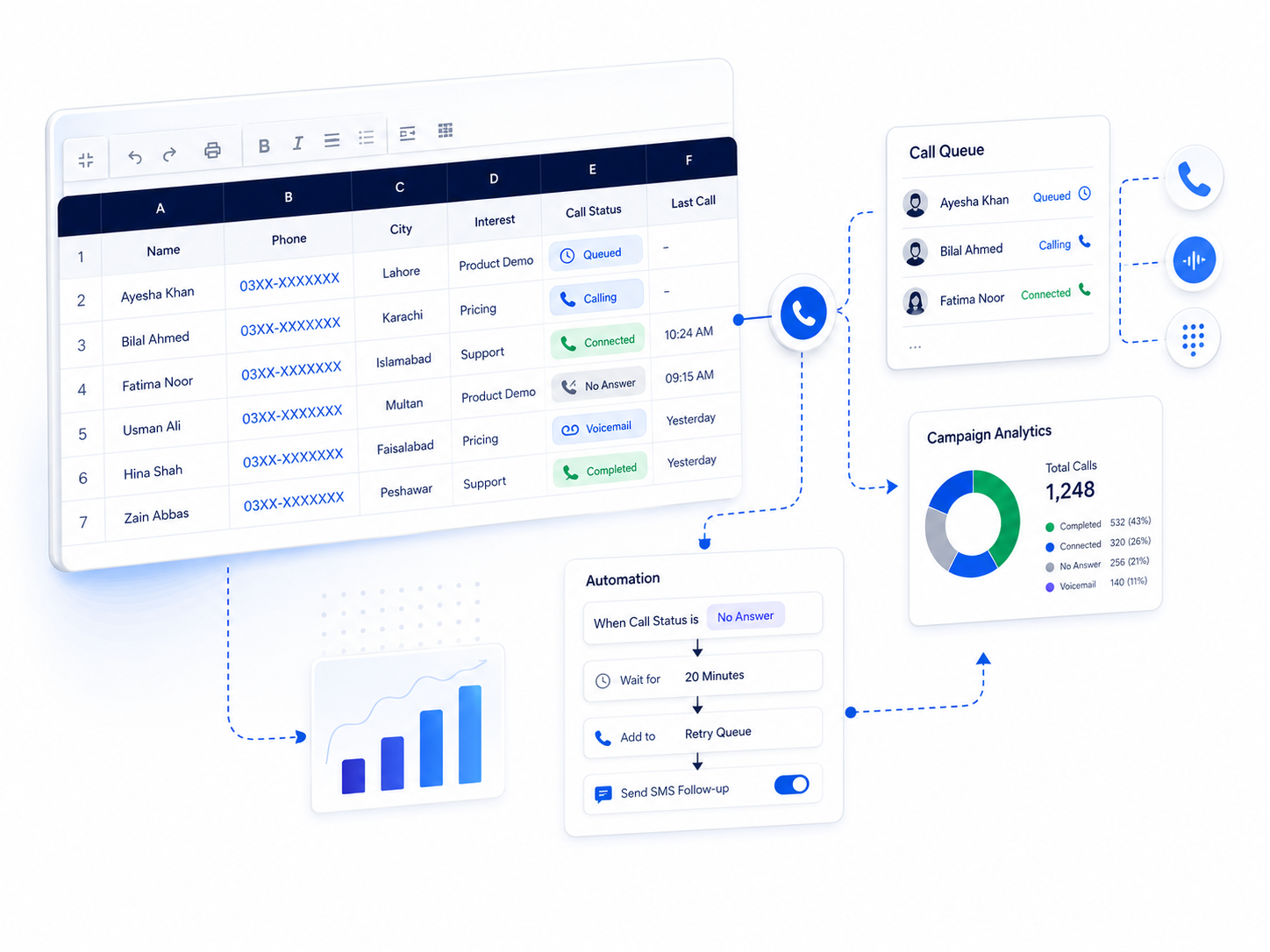
Launch bulk voice campaigns, reminders, and customer notifications directly from spreadsheet rows without writing code.
Setup Guide
Copy the master sheet, activate permissions, fill the Settings tab, and send bulk calls directly from spreadsheet rows.
Step 1
Open the master sheet, click File > Make a copy, save it in My Drive, and rename it for your brand or campaign. Do not edit the master sheet directly.
Step 2
Open Extensions > Apps Script, click Run, choose your Google account, then use Advanced > Allow so Apps Script can send calls and fetch call statuses.
Step 3
Enter only the required fields: API Key, Voice ID, and Portal Type. Portal Type should be portal or corporate exactly as shared by Robo Call Pakistan.
Step 4
Add Caller Number, Amount, Text1, Text2, Text3, Text4, and Text5. Call Status, DTMF, and Call ID are auto-filled after fetching statuses.
Step 5
From the top menu, click Bulk Robo Call Menu and select Send Bulk Call. The system will send calls for rows with phone numbers.
Step 6
After 2-5 minutes, click Bulk Robo Call Menu and select Fetch Bulk Call Status to update Call Status, DTMF response, and Call ID.
| Field | What to Enter |
|---|---|
| API Key | Provided by Robo Call Pakistan |
| Voice ID | Your assigned voice profile ID |
| Portal Type | portal or corporate |
| Column | Description |
|---|---|
| Caller Number | Customer phone number, for example 03xxxxxxxxx |
| Amount | Order amount |
| Text1 | Store or company name |
| Text2 | Order number or reference |
| Text3 / Text4 / Text5 | Additional optional fields |
| Call Status / DTMF / Call ID | Auto-filled after status fetch. DTMF: 1 confirm, 2 cancel, 3 callback. |
Solutions
Use Robo Call Pakistan to automate alerts, reminders, verification, campaigns, and customer communication.
Notify customers immediately when important events happen.
Use retries, schedules, APIs, and reporting to reduce manual work.
Track outcomes and send data back to business systems.
Live Demo
Enter your details to hear how this automated calling workflow sounds for customers.
Simple steps to automate customer communication and save time.
Order placed or data received from your platform.
Our system validates data and prepares the call.
Voice call is placed to your customer automatically.
Customer interacts via voice or keypad.
Status appears on dashboard and API.
Send personalized automated calls using uploaded voices or AI text-to-speech.
Pair calling workflows with SMS-style customer alerts and follow-ups.
Retry busy, unanswered, or failed calls based on timing rules.
Capture confirm, cancel, callback, rating, and verification responses.
Launch high-volume campaigns for offers, reminders, alerts, and announcements.
Use Urdu, English, or business-specific voice prompts for local audiences.
Track answered, busy, failed, no-answer, DTMF, and campaign performance.
Control call timing, retries, delays, and campaign windows.
Connect stores, dashboards, ERPs, CRMs, SaaS tools, and custom apps.
Built with controlled access, local support, reporting, and dependable operations.
Use professionally recorded brand voice prompts for confirmations, alerts, reminders, IVR, and campaigns.
Run calling workflows through dedicated business numbers for branches, departments, and enterprise teams.